Contact Page Comparison: Contact Form vs Email Link vs Booking Calendar
A portfolio's contact page looks like the simplest thing on the site: a name field, a message box, a button. In practice it is where small decisions get made on your behalf — how much effort a stranger must spend to reach you, how much noise lands in your inbox, and what kind of person actually gets through. Most portfolios settle on one of three methods: a contact form, a plain email link, or a booking calendar. Each changes the conversation before it starts, and each is better suited to a different kind of goal.
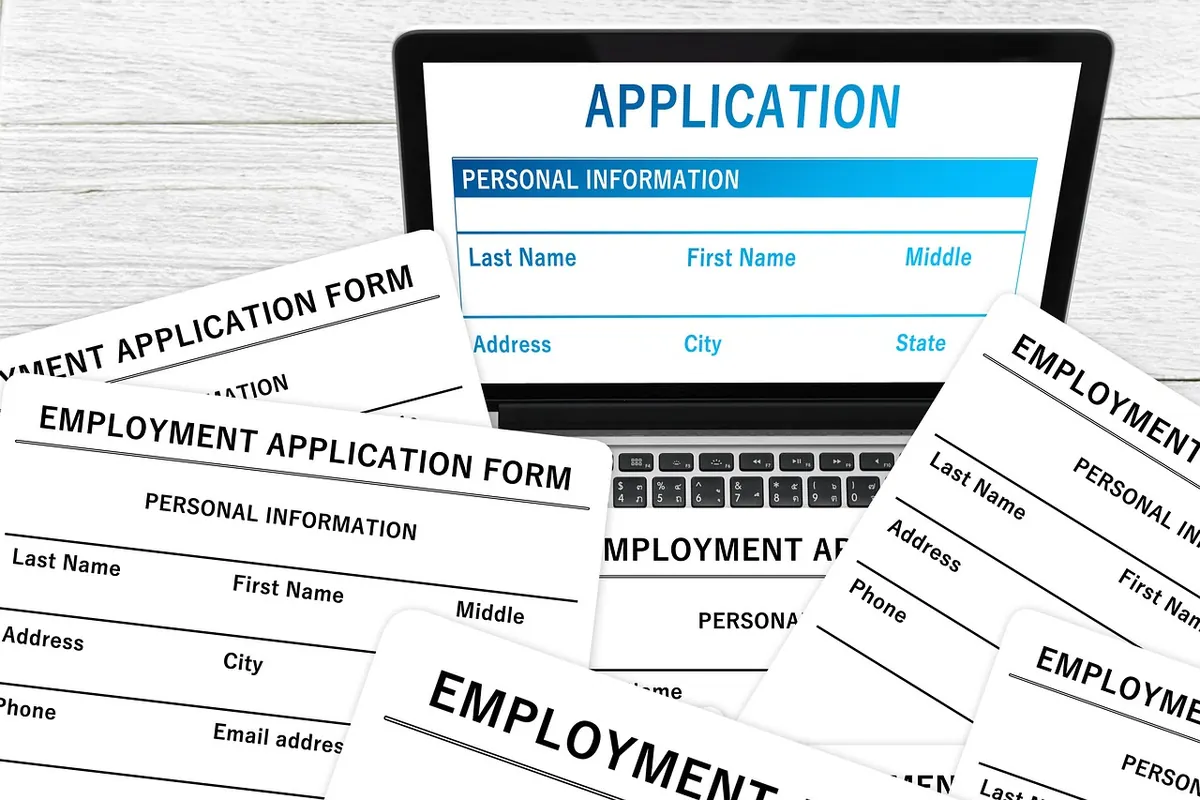
A form is the option that gives you the most say over what arrives in your inbox. You decide which fields exist, so a message can arrive already shaped: project type, rough timeline, budget range, a link to a brief. That structure saves a round of questions, and when someone has to write their name and email into labelled boxes, they tend to compose something slightly more considered than a two-line note fired off from a phone.
It also keeps your address off the page. Bots that scrape sites for emails are real, and a form removes that particular harvest. Note the word "removes" rather than "solves": bots submit forms too. A visible captcha can stop them, but it also stops people. Better tactics are quieter — a hidden honeypot field that humans never see, a timestamp check that rejects submissions completed in under three seconds, and a length limit on the message body. Add a captcha only as a fallback if spam still slips through.
The cost is friction and plumbing. Every field is another reason to leave. A form with eleven required inputs reads like a customs declaration, and on a phone, typing a long message into a small box is genuinely unpleasant. There is also the quiet failure mode nobody enjoys admitting: forms break. A plugin updates, an SMTP setting expires, and enquiries disappear into a void with no bounce message. The visitor sees "message sent" and believes it.
Response expectations matter here more than with the other two methods. A form promises a reply, and because the sender has no copy of what they wrote, silence feels worse. State your turnaround in plain words under the button — "I read everything and reply within two working days" — and set up an automatic confirmation so people know their message landed.
A mailto link is the least technological option and often the most human. One click and the message is already being written in a client the visitor knows, with their own signature, their own archive, and a copy they can keep. For people who already use a desktop mail app, it is faster than any form.
For everyone else, it can fail outright. Webmail users with no configured mail client may get a confusing prompt, an empty browser tab, or nothing at all. That silent dead end is the reason many portfolios pair the address with a line of plain text — "if the link doesn't open, write to me directly" — so the visitor always has a fallback.
Spam is the other trade-off. A published address will eventually end up on lists. Keep a dedicated contact address rather than your main one, use your domain rather than a free provider, and let your mail host filter the rest. Some people write the address out in a disguised form, but that adds decoding work at the exact moment you want things to be easy. A separate address and decent filtering is a better balance.
Email suits portfolios where the visitor is likely another professional: a curator, an editor, a studio lead, someone who writes for a living and prefers their own tools. Response expectations are softer than with a form — a day or two reads as normal, and a thoughtful reply is welcome. Keep the address prominent and skip the cleverness; "hello@yourdomain.com" in readable body text beats an icon with no label.
Embedding a scheduling tool changes the question from "would you like to write to me?" to "which of these times works?" For a photographer offering portrait sessions, a consultant taking intro calls, or a tutor arranging lessons, this removes the awkward four-message dance of proposing slots. Bookings are also almost never bots. A machine can fill a form; it rarely picks a Tuesday at 14:00.
The friction is real, though. Booking is a commitment, and many people are not ready to make one on a first visit. Someone with a quick question about licensing an image does not want to occupy half an hour of your calendar; they want an answer. International visitors also have to trust that the timezone is displayed correctly — always show it, and put the timezone in the confirmation email as well.
If you offer a calendar, protect yourself lightly. Leave a buffer between meetings, ask one short intake question so you know what the call is about, and require an email address for confirmation. Expect some no-shows; a reminder message the day before reduces them without any extra work on your part. And always keep a slower option nearby for people who are not ready to commit.
Read that list against your own portfolio. If most of your visitors are on phones, browsing quickly, between other tasks, the calendar and the form are both asking a lot. If they arrive from a professional context with a purpose, a form or an address is comfortable.
Use a short form with four or five fields, one of them optional. Ask for name, email, what they have in mind, and a link if relevant. Everything else can come later in the conversation.
Lead with the email address in large, readable text. Add a single sentence describing what you are open to — commissions, collaborations, a specific kind of project — so people self-select before writing.
Put the calendar first, keep the intake question short, and place the email address below it for everything that is not a call. This is the setup that wastes the fewest messages.
Use a form with a honeypot, a stated response time, and a visible fallback address. You stay reachable, but on your terms.
You do not have to choose only one. The trick is hierarchy: one primary method taking the central space, the others mentioned in a small line beneath it. A contact page that says "Book a call" with a calendar, followed by "or write to hello@yourdomain.com if you'd rather not book anything", handles both the decisive and the hesitant visitor without clutter.
A good contact page is honest about the trade it is making. A form buys you structure and quiet, and asks the visitor for patience. An email link buys you warmth and speed, and asks for a working mail client. A calendar buys you commitment, and asks people to know what they want. Choose based on the enquiries you actually want to receive, then make the other routes visible enough that nobody leaves without a way through. Test it with a friend who has never seen the page, and watch where they hesitate — that hesitation is the only feedback that matters.
Photo: geralt / Pixabay
Previous Post
How to Turn a Client Testimonial Into a Portfolio Story
Next Post
Local Angle: Photographing Your Work for a Portfolio in Natural Light