Seasonal Portfolio Refresh: A Spring Cleaning Checklist for Your Site

Spring is a useful deadline for a portfolio, because it arrives with a simple question: does this site still look like the work you want to be hired for? Most portfolios do not collapse overnight. They drift. A screenshot from three years ago stays up, a contact link quietly dies, and the summary still describes the designer you were before your last two projects. A seasonal refresh fixes that drift without turning into a full redesign. Set aside an afternoon, open your site beside a blank checklist, and work through it in order.
Before you change a single image, make an inventory. Open your site in a private browser window, as a stranger would see it, and click through every page. Keep a simple document open and list what you find. This is not the moment for taste; it is the moment for accuracy.
Mark each item as keep, update, archive, or remove. That small act prevents the most common trap: spending two hours tweaking a hero image while the contact form is still broken.
Project images do most of the persuading on a portfolio. They also age faster than the writing. A crisp screenshot from last month can sit beside a blurry one from 2022, and visitors will read that mismatch as carelessness. Start with the thumbnails on your work index, then move into each project page.
If a project has no strong visual, do not force a weak one. A clean typographic card with a clear title and one line of context is better than a blurry screenshot stretched to fit.
Every portfolio carries dead weight. The question is not whether to remove it, but how to decide. Use a simple rule: if a project no longer represents the work you want, no longer shows a skill you are proud of, or cannot be explained clearly in three sentences, archive it. If it fails two of those tests, it is not helping.
Be practical about confidentiality, too. Client work that was never approved for public display should not sit behind a vague “private” label. Remove it, or replace it with an approved summary that describes the problem and your role without exposing sensitive details.
If a project no longer represents the work you want, it is not a history lesson; it is a distraction.
You do not have to delete everything immediately. Move retired projects into an archive folder, keep the files, and remove the public pages. That gives you room to change your mind without leaving old work in the main navigation.
Broken links are small, but they are loud. A dead “View live site” button tells a visitor that the details are not maintained. A contact link that opens an empty mail client is worse. Do a deliberate click-through rather than trusting a quick glance.
When something has moved, update the link or remove it. If a client site has disappeared, say so in the case study instead of leaving a dead button. “The live site is no longer available” is honest and clean. For internal pages you have replaced, set up a redirect so old bookmarks do not land on a 404.
Visitors scan before they read. Your portfolio summary has to answer three questions quickly: what do you do, who do you do it for, and why should someone keep looking? If the first paragraph is a list of adjectives, it is not doing that work.
Start with a plain sentence. Name the work, the audience, and the value. Then add proof: a project type, a process detail, or a result you can describe without exaggeration. Cut phrases that sound impressive but say little, such as “passionate about creating meaningful experiences.” Replace them with something a client could repeat to a colleague.
For each project, try this structure: the problem, your role, and the outcome or constraint. For example: “A subscription coffee brand needed a checkout that worked for gift orders. I designed the flow and tested it with five common purchase paths. The final version reduced the number of steps without removing the subscription options.” That is specific, readable, and easy to update when the work changes.
While you are there, check the about page and services section. Remove tools you no longer use, update your availability if you show it, and make sure the contact route is obvious. A portfolio is not an archive of every skill you have ever touched; it is a focused argument for the work you want next.
You do not need a perfect technical audit to benefit from a few checks. Load your site on a phone using mobile data, not office wifi. Tap the menu, scroll a project page, and try the contact form. Compress oversized images, remove autoplaying video, and check that text has enough contrast against the background. Use the keyboard to tab through the main navigation. If you cannot see where focus lands, fix that before you publish.
Accessibility improvements are not extras. Clear headings, useful alt text, readable type, and working form labels make the site easier for everyone. They also force you to be clearer about what each page is for.
A seasonal clean works best when it becomes routine. Book two dates now: a short monthly check for broken links, new work, and contact details; a longer quarterly review for images, summaries, and retired projects. Keep a “stale” folder for anything you remove but might want later, and write down why you archived it. When the next season arrives, you will not be starting from scratch. You will be editing a site that already reflects the work you want to be known for.
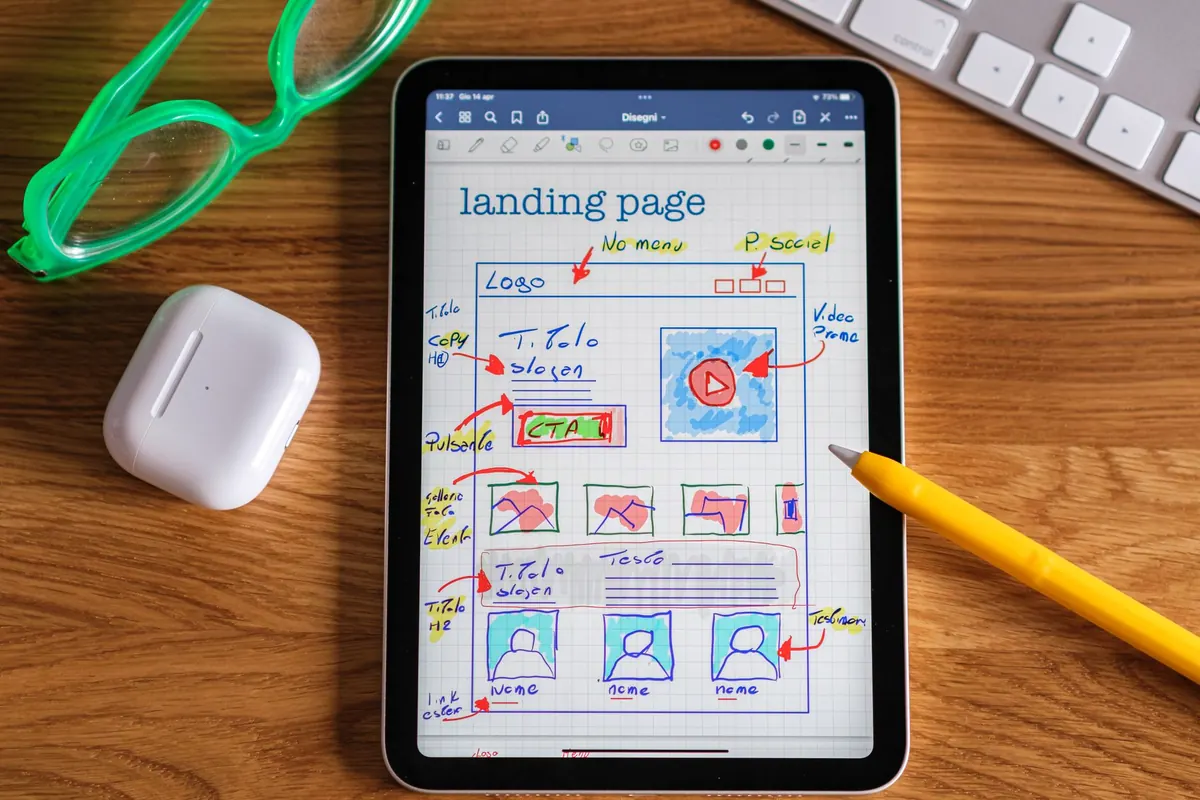
Photo: theglassdesk / Pixabay
Previous Post
How to Choose Between a One-Page Portfolio and a Multi-Page Site
Next Post
Explainer: What Makes a Portfolio Project Case Study Credible?