How to Choose Between a One-Page Portfolio and a Multi-Page Site
A friend sends your portfolio link to a hiring manager at eleven at night. She opens it on her phone, between two other tabs, and gives it maybe forty seconds before deciding whether to reply. That is the real test — not how the site looks in a full-screen browser on your laptop with a coffee nearby.
Both structures can pass it. A single long page can carry someone from first impression to contact button in one steady scroll. A multi-page site can put exactly the right project in front of the right reader in two taps. The choice isn't about taste or what looks current. It's about how much work you have, how deep it goes, and how people arrive at it.
Before you open a site builder, answer three questions honestly.
How many projects are worth showing? Not how many you've finished — how many you'd defend in a conversation. Six strong pieces behave very differently from twenty-five, and the number quietly decides the format for you.
How deep does each one go? A poster or a brand mark needs a caption and a credit. A product redesign might need the brief, the constraint, the decisions, and what you'd do differently.
How do people find you? If most traffic comes from a link in an email or a direct message, your visitor already has context. If people arrive from search or a directory listing, they need orientation and a fast way to judge whether you're relevant.
Write the answers down. They will settle most of the argument before it starts.
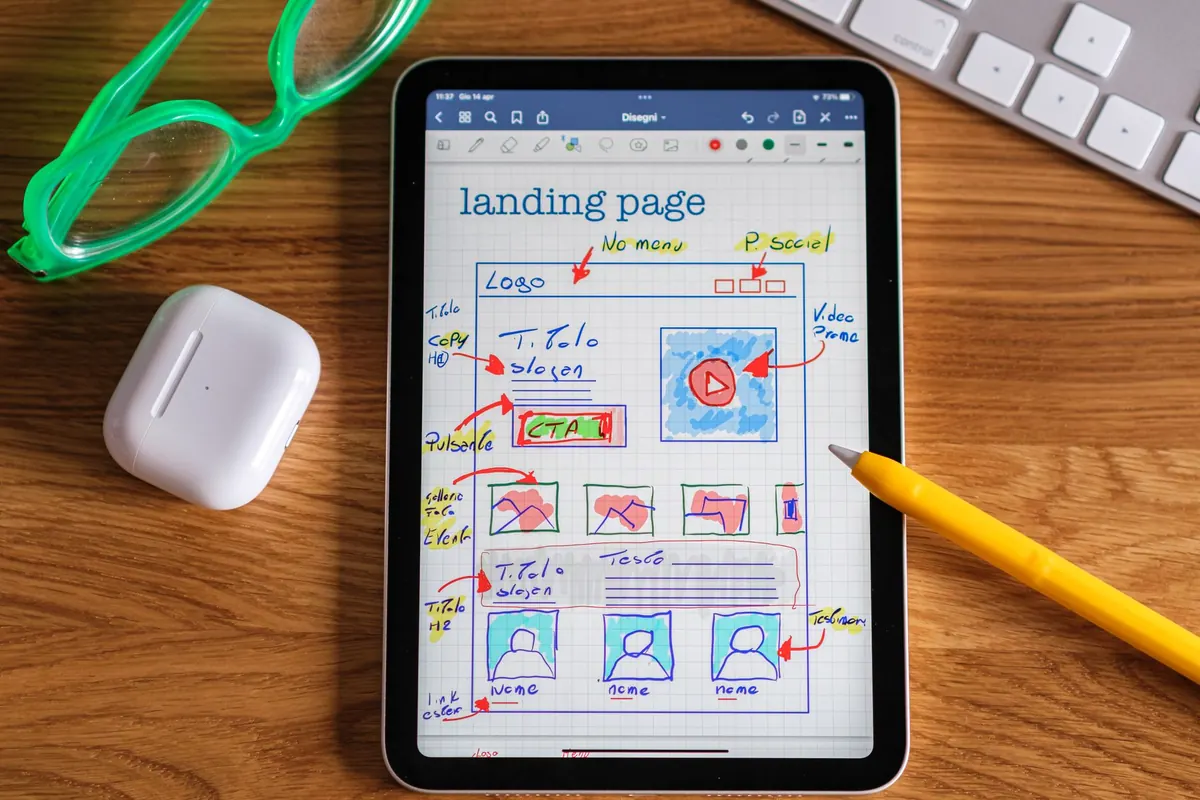
Single-page sites win on momentum. There's no navigation to learn, no dead end, no decision about where to click next. The visitor scrolls and the argument builds in order: this is who I am, this is the work, this is how to reach me.
They're also quick to build and cheap to maintain. One layout, a handful of sections, a contact form. Everything stays consistent because there is only one place for anything to live. When you change the type size, you change it once.
This format suits practices with a clear, narrow centre: a photographer with a tight series, an illustrator whose style does the talking, a studio offering two services, a freelancer whose work is best understood as a body rather than a list. It also suits anyone launching quickly who would rather ship a good one-pager this month than a half-finished site next spring.
On a phone, where most of your readers will be, a well-built single page feels natural. Scrolling is the native gesture. You just have to earn each swipe.
None of this is fatal. Plenty of strong portfolios are one page with five excellent projects. But the moment you find yourself writing "more about this on request," the format is telling you something.
Separate pages give each project its own address, and that single fact changes how you use the site. You can paste a case study into an application, attach it to a proposal, or drop it into a message without instructions. The reader lands exactly where you intended.
It also lets you write. A dedicated page can hold the brief, the constraint that made the project hard, the two options you rejected, and the result — in that order, with images where they help. Readers who care will read it. Readers who don't will go back to the index, which is perfectly fine.
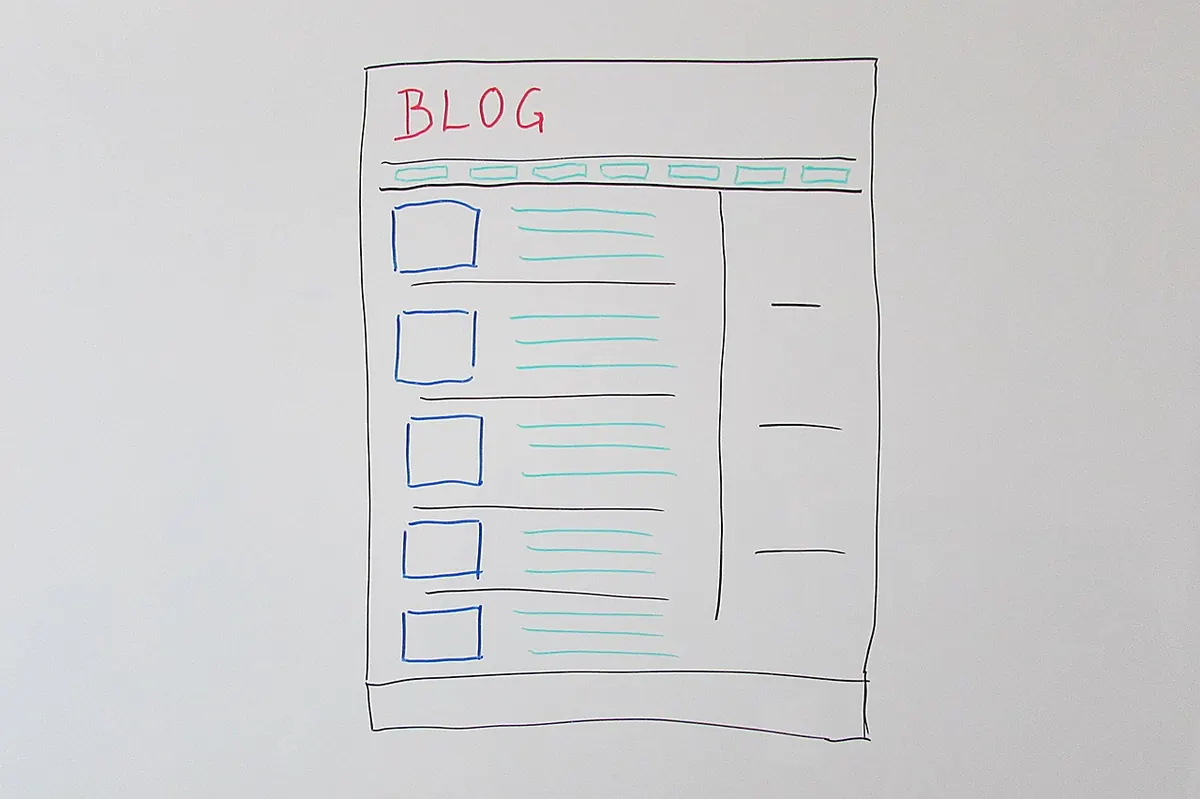
Structure handles mixed audiences better too. Work, About, Services, Contact, and a short Notes section can each do one job well. If you teach, consult, and take commissions, those are three different conversations and they deserve three different pages rather than three paragraphs competing for the same screen.
And the site grows without being rebuilt. Adding a project means adding a page inside an existing template, not redesigning a scroll. Over three or four years, that difference saves a surprising amount of Friday afternoons.
Multi-page sites aren't free. They ask for decisions a one-pager skips: what goes in the menu, how many items, what the work index looks like, whether every project follows the same template or each one gets its own rhythm.
There's also the risk of thin pages. Six projects spread across six pages can feel emptier than six projects on one screen, because each page has to justify the click. If a project has three images and a single sentence, it may belong in a grid, not on its own page. Being honest about that is most of the work.
Upkeep is real, too. A menu you set up in a hurry becomes confusing a year later when you have twice the work and a new service. Keep the top level to four or five items and resist adding a page for every idea that crosses your desk.
Pick one and be consistent. A hybrid only works when the rules are clear: what earns a page, what stays in the grid, and how someone gets back to the index.
Here's a short process that will settle it faster than another evening of browsing other people's sites.
Then leave it alone for a month and notice how you use it. The format that survives is the one you actually send to people, with a sentence you've written a hundred times and never have to apologise for.
Photo: PIX1861 / Pixabay
Previous Post
About Page Checklist: 9 Details Visitors Actually Want to Know
Next Post
Seasonal Portfolio Refresh: A Spring Cleaning Checklist for Your Site